
Why your planning meetings feel like chaos
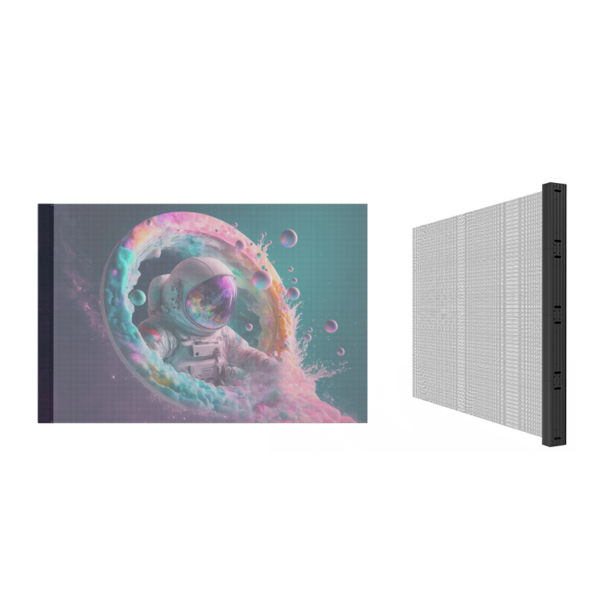
Project reviews that use spreadsheets and PowerPoint mockups are guessing games with nice fonts — and that’s why procurement ends up buying the wrong size, the wrong brightness, or the wrong supplier. Try showing a client the concept with a led transparent screen and watch confusion turn into a focused question: “How big should the frame be?” Suddenly the debate isn’t hypothetical; it’s spatial and solvable.
The real blockers buyers trip over
Teams assume visual specs are the same as visual outcomes. They ignore ambient light, mounting tolerances, maintenance access, and how content will actually look in the final environment. Forecasts skip vendor lead times and warranty fine print. Budgets get eaten by last-minute custom brackets and surprise shipping costs. These are not abstract problems; they’re the tiny, sharp things that puncture schedules and inflate purchase orders.
How seeing solves more than a spreadsheet
Turn those vague problems into specific questions: How will the image read behind glass? What happens at midday sun? How do technicians access modules? Visual testing answers them fast. I’ve advised retail and museum teams who brought transparent displays to mockups and immediately adjusted pixel density and mounting depth after one live test — the kind of practical feedback that spreadsheets never provide. Manufacturers and exhibitors routinely demonstrate these capabilities at CES in Las Vegas, which is where buyers often first compare real unit brightness and transparency in person. If you want a working reference while planning, look for a trusted transparent led display screen to test actual visuals before signing anything.
Procurement traps and how to avoid them
Trap: Buying by specs alone. Fix: Require on-site or virtual demonstration with your mounting conditions. Trap: Signing long lead-time contracts without staging. Fix: Split orders into pilot and roll phases. Trap: Assuming content fits every screen. Fix: Specify content-driven pixel density and aspect ratios up front. Trap: Ignoring service access. Fix: Require a maintenance plan and a mock-up access check during procurement.

Practical checklist for planners and purchasers
1) Book a live demo in your final lighting conditions. 2) Require sample content playback on the exact model you’ll buy. 3) Confirm the supplier’s module replacement time and warranty terms in writing. 4) Stage a one-unit pilot before full order. 5) Add explicit acceptance criteria tied to visibility, viewing angle, and maintenance access. These five checks turn abstract requirements into pass/fail items your vendor must meet.
Quick wrap that actually helps
Stop letting imagination drive procurement. Replace guesswork with real visuals, pilot runs, and clear acceptance criteria so you buy what works, not what looks good on paper. Manufacturers such as HDC pair hardware and project support in ways that make those checks practical rather than theoretical, and that’s the difference between a surprise invoice and a predictable rollout.