
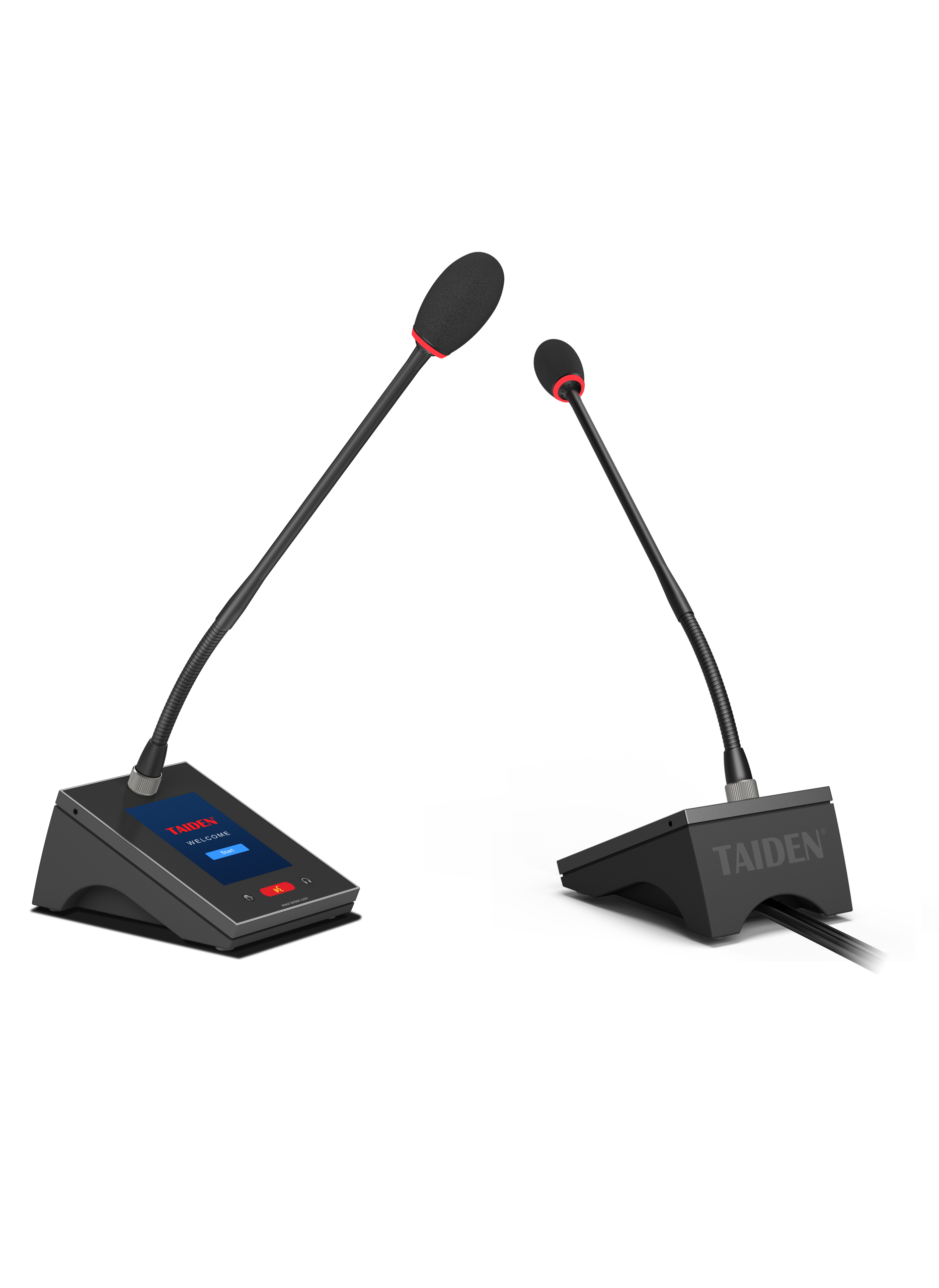
Why Meetings Go Silent (and How to Hear What Matters)
It’s 9:00 a.m., the board is waiting, and the first agenda item is already delayed because no one can hear the chair. Your conference room mic system should help the conversation, not stall it. In many teams, 30–40% of hybrid meetings lose five minutes or more to sound checks and mic confusion—sayang, that’s time you won’t get back. If the chair’s voice drops out, remote folks disengage, side talks start, and the meeting rhythm breaks. The usual quick fixes like nudging the mic stand, cranking volume, or muting on the fly only patch the noise. With auto-mixer settings, echo cancellation, and speaker placement in play, a small error gets loud fast. So, how do we set up the room so the chair is always heard, sakto, para hindi hassle? What trade-offs matter for clarity versus control? And which parts should be simple for users but smart under the hood? Let’s frame the real issue, look at what fails in practice, and then compare what newer options do better. On to the core piece that can make or break the session.
The Hidden Pain Points Behind the Chair’s Microphone
Why does the chair mic feel finicky?
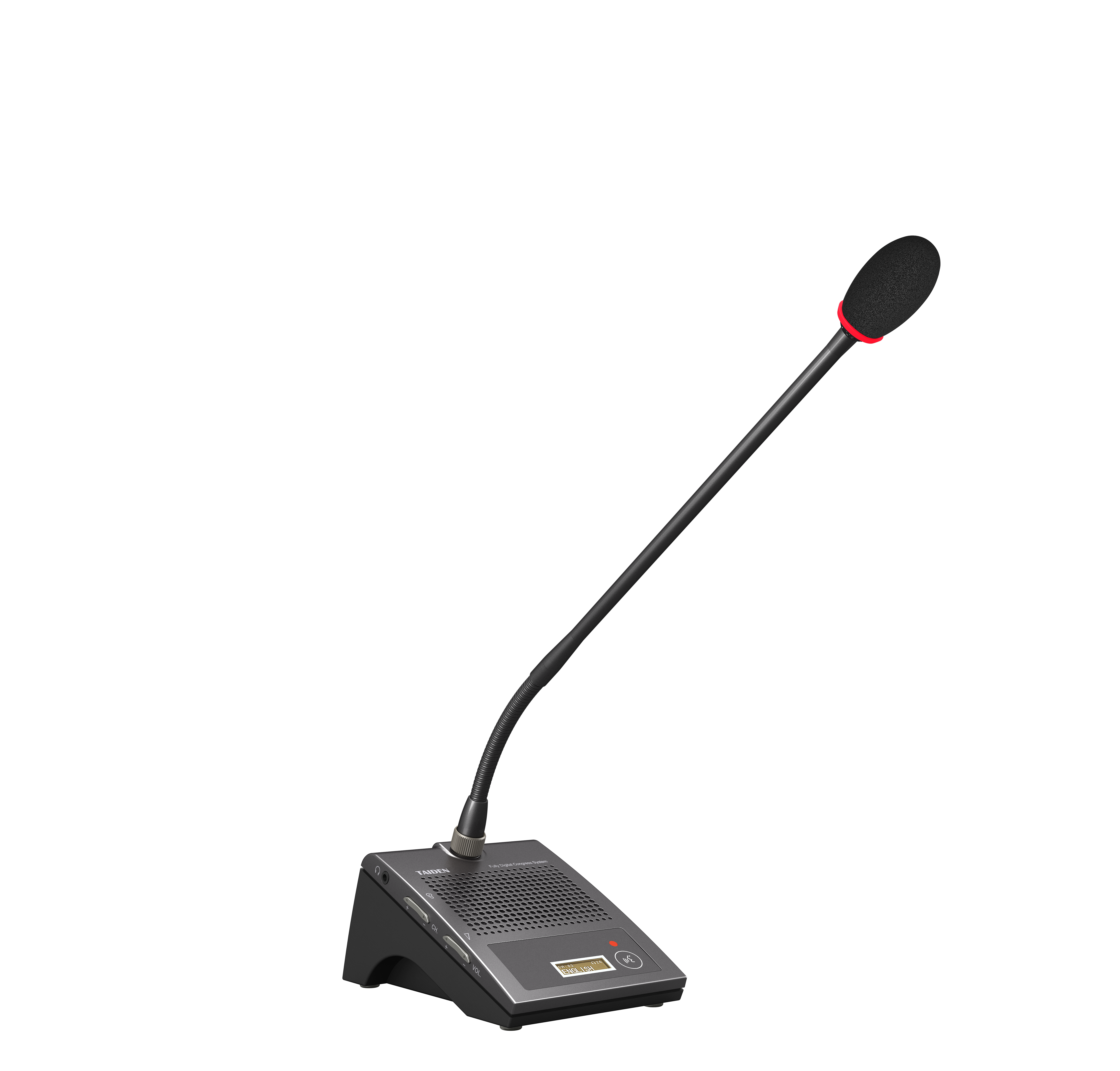
The chairman unit is the control seat of most systems. It sets priority, manages speaking order, and anchors the flow. But small, hidden factors cause big trouble: poor gain staging, seating angles that reflect sound off the table, and over-hot speakers that trigger feedback suppression too often. A beamforming array may help, yet if the DSP profile is off or AEC is mis-tuned, voices pump and duck. Look, it’s simpler than you think: poor room geometry plus rushed presets equals a chair who sounds distant. Cables near power converters add hum; wireless near dense Wi‑Fi adds jitter—funny how that works, right?
Another pain point is human. The chair needs a clear “I’m live” cue, fast mute, and polite override without fiddling. If those are inconsistent across rooms, confidence drops. The unit should also protect tone: not too boomy, not thin. That means sensible high-pass filters, modest compression, and stable headroom before feedback. And yes, visual feedback helps when hybrid attendees ask, “Chair, are you on?” If the answer is not obvious in one glance, the system is working the user, not the other way around. Fix these basics and meetings feel lighter, even when topics are heavy.
Comparing What’s Next: Smarter Control, Fewer Fixes
What’s Next
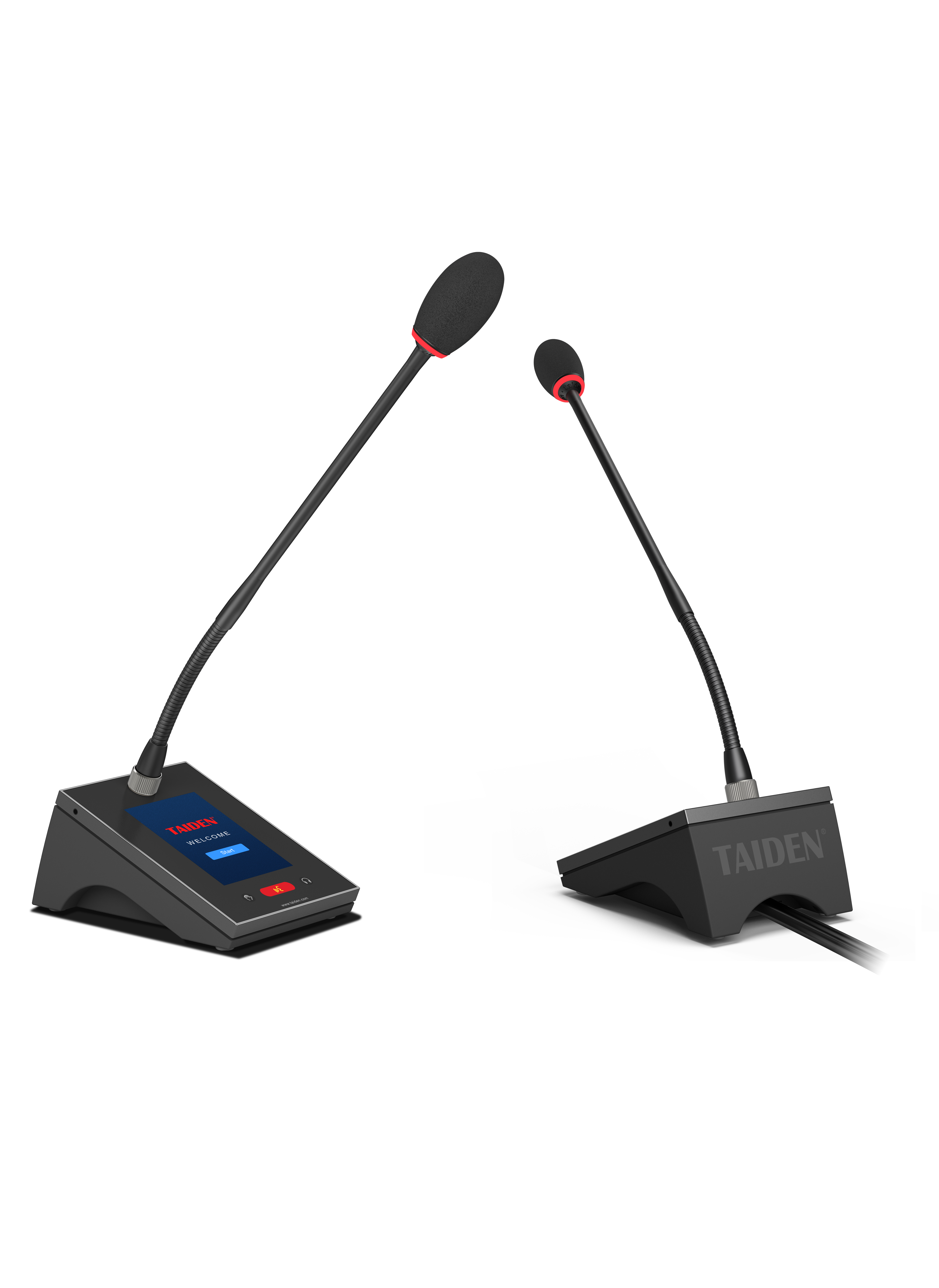
Newer platforms shift intelligence from the rack to the edge. Auto-mixers now adapt by seat, not just by channel. Edge computing nodes analyze near-field voice versus far-field noise, then update profiles in real time. Networked audio (think Dante with QoS) and PoE power remove messy runs and reduce hiss from dodgy grounds. The win is comparative: older setups fight the room; newer ones learn it. And with modern presets, the chair’s profile travels from Room A to Room C—same tone, same priority logic—so behavior is predictable. If you’re planning upgrades, ask your microphone manufacturer how adaptive beamforming and smarter AEC handle cross-talk and soft voices at the edge of the table. Tiny changes—mic capsule placement, chair unit latency, speaker tilt—stack up. Get them right and people stop asking “Can you hear me?”—and yes, it actually helps.
Here’s a quick way to move forward without guesswork. First, clarity benchmark: measure speech transmission using short, real sentences from the chair at three positions (center, lean-in, slight turn). Second, stability benchmark: test headroom before feedback with the room at typical occupancy; confirm the auto-mixer doesn’t pump. Third, continuity benchmark: check that profiles load fast and identically across rooms after a power cycle. If a solution aces those three, you’ll get consistent sessions, less fatigue, and smoother minutes. Keep it humane, keep it simple, and choose partners who design for the real room and real people, like TAIDEN.